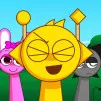
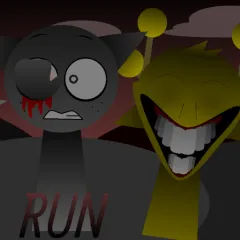
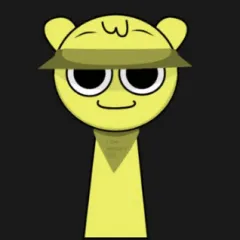
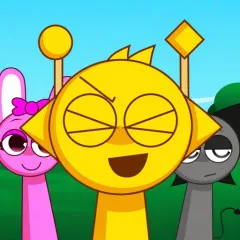
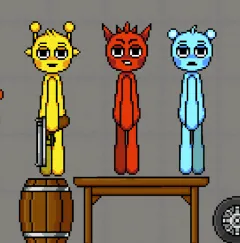
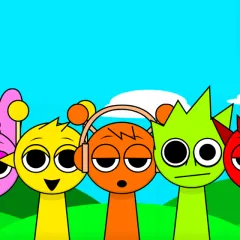
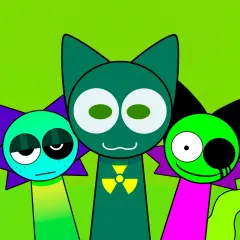
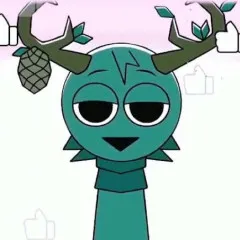
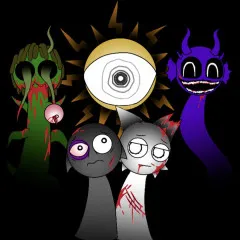
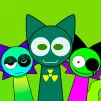
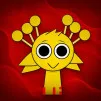
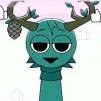
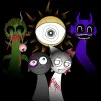
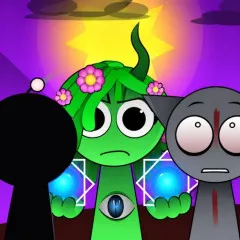
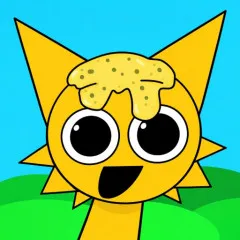
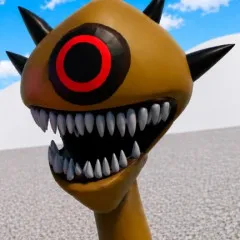
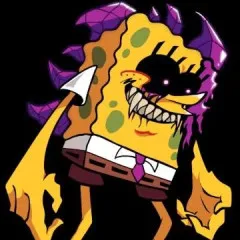
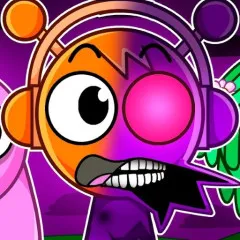
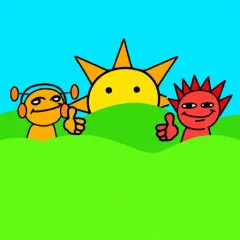
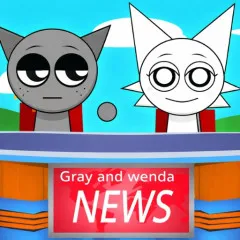
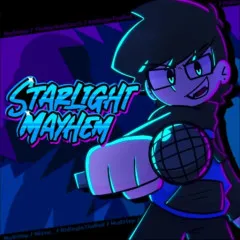
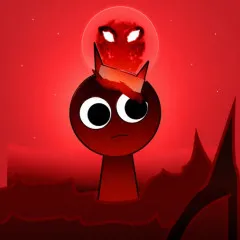
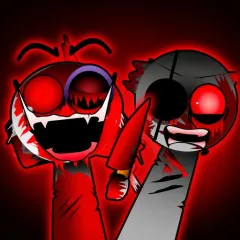
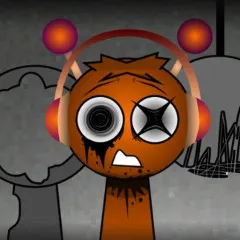
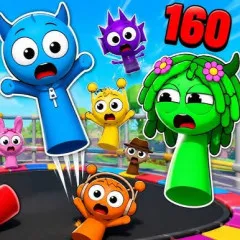
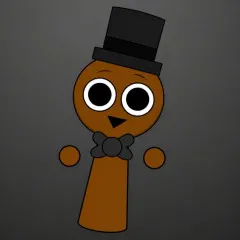
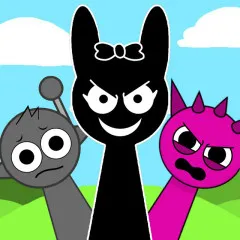
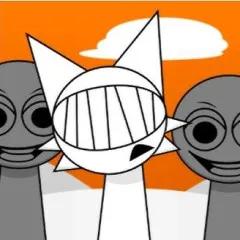
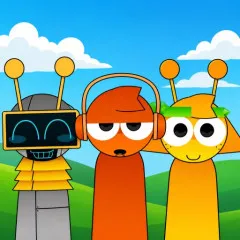
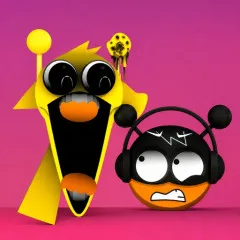
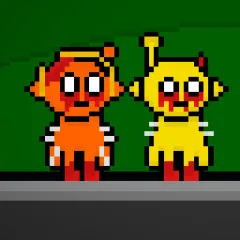
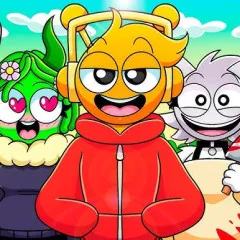
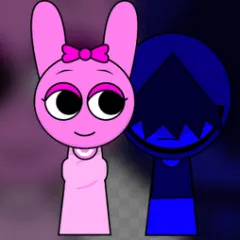
Sprunka Animated is a visually and emotionally upgraded version of the Sprunka series, offering a more intuitive and dynamic music creation experience than ever before.
How to Play Sprunki Animated
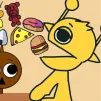
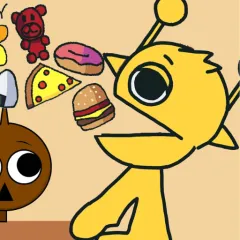
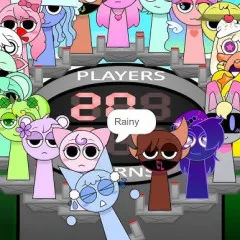
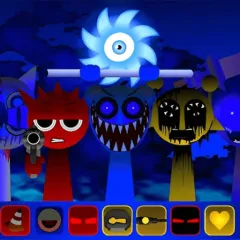
At the start of the game, you'll see the drum characters along with a set of sound icons.
Drag and drop each icon onto the character to activate the rhythm, melody, or effect.
Each character only handles one type of sound, but when multiple characters are combined, they will automatically harmonize together.
Feel free to remove, change positions, or try different combinations to create new music.
There are no wins or losses, or time limits; just listen, adjust, and enjoy the creative process.
Control Instructions
Left mouse: Drag and drop sound icons.
Drag an icon off a character: Delete the currently playing sound.
Mouse/Touchpad: Adjust position and experiment with different combinations.